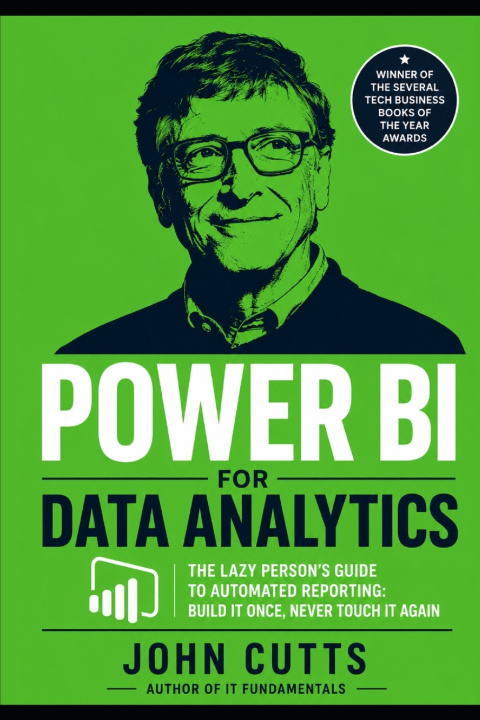
Are you tired of spending your Sunday afternoons rebuilding a broken dashboard because someone changed a column name in the source database? Do you have a shared network folder full of confusing files named dashboard_final_FINAL_v3_USE_THIS_ONE.xlsx? It's time to escape spreadsheet addiction and step into the world of truly automated enterprise business intelligence.
In Power BI for Data Analytics: The Lazy Person's Guide to Automated Reporting, data analyst and software developer John Cutts delivers a practical, step-by-step roadmap to building self-evident, lightning-fast dashboards that answer the right business questions without requiring constant manual maintenance. Written specifically for professionals who know their way around Excel but want to upgrade their skills, this guide skips the dry reference manuals and relies on hands-on learning from day one.
What You Will Master Inside This Guide:
The Power BI Ecosystem: Navigate Power BI Desktop and the Power BI Service like a pro to share your insights smoothly across your entire organization.
Power Query Chores, Automated: Learn the art of cleaning, reshaping, splitting, and merging messy data automatically so you never repeat the same data prep tasks again.
Data Modeling & Star Schema: Connect multiple tables seamlessly using robust, enterprise-grade modeling structures optimized for speed.
DAX Formulas That Think: Demystify Data Analysis Expressions (DAX) and master essential functions like CALCULATE, ALLSELECTED, and dynamic parameters to write calculations that adapt to user interaction.
Advanced User Experience Controls: Build interactive slicers, custom hover tooltips, bookmarks, and seamless multi-page report navigation that feels like a modern web app.
Portfolio & Industry Practices: Set up automatic data refresh schedules, track down bottlenecks with the Performance Analyzer, and optimize your dashboard to build a standout LinkedIn portfolio.
Two Standout Portfolio Projects Included:
Instead of working through abstract tutorials, you will analyze a massive real-world dataset of nearly 478,000 global technology and data science job postings. By the end of this book, you will have built:
The Data Jobs Dashboard: A broad-scope, interactive report exploring market hiring volume, global geographic distributions via maps, and job counts by title.
The Advanced Analytical Dashboard: A highly customized, deep-dive report featuring advanced DAX measures, field parameters, and rich canvas formatting for skills analysis and salary benchmarking.
"If you have to explain how to use a dashboard, you haven't finished building it." - John Cutts
Stop wasting hours on manual reporting adjustments. Grab your copy of this definitive 2026 guide today, build your reporting machine once, and never manually update a dashboard again!