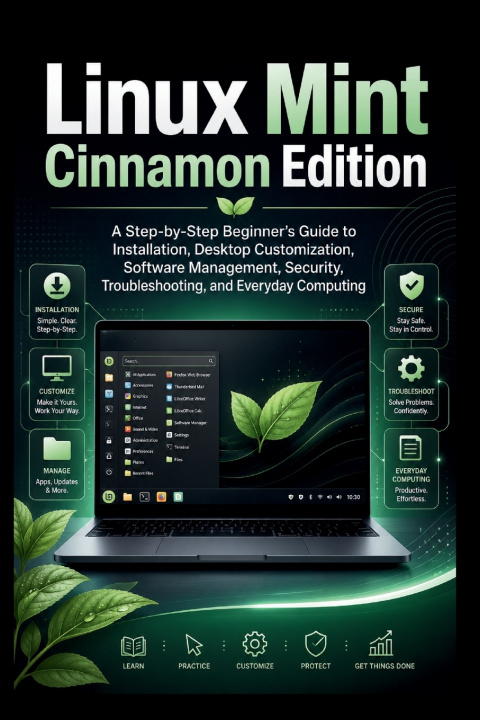
Ready to explore Linux without feeling overwhelmed?
Linux Mint Cinnamon Edition is a practical, beginner-friendly guide designed to help you install, understand, customize, and confidently use one of the most welcoming Linux desktop systems available.
You do not need programming experience or advanced technical knowledge. Every topic is explained in clear, everyday language, with step-by-step guidance that helps you understand both what to do and why it matters.
Whether you are moving away from Windows, reviving an older computer, or simply looking for a faster, more flexible desktop experience, this guide will help you begin with confidence.
Inside, you will learn how to:
Check whether your computer is ready for Linux Mint
Download the correct installation file and create a bootable USB drive
Test Linux Mint before installing it
Install it as your main operating system or alongside Windows
Navigate the Cinnamon desktop, menu, panel, system tray, and workspaces
Organize files and folders with the Nemo file manager
Customize themes, icons, wallpapers, fonts, panels, and desktop tools
Install and remove trusted applications through Software Manager
Understand traditional packages, Flatpaks, permissions, and updates
Connect USB drives, printers, Bluetooth devices, and external storage
Improve privacy, configure the firewall, and protect personal information
Create Timeshift snapshots and back up important files
Fix common Wi-Fi, sound, display, startup, printer, and update problems
Use Linux Mint for documents, email, browsing, video calls, media, and everyday work
Find reliable alternatives to familiar Windows applications
This is not a command-heavy manual filled with confusing technical language. It is a practical companion for real people who want to use their computers without unnecessary frustration.
Each chapter builds naturally on the one before it, taking you from preparation and installation to daily use, security, maintenance, and troubleshooting. Helpful explanations make unfamiliar terms easier to understand, while practical advice helps you avoid common beginner mistakes.
With patience, curiosity, and the guidance in this book, Linux Mint can become a comfortable and dependable part of your daily life.
Take control of your computer, discover a more flexible desktop, and begin your Linux journey today.