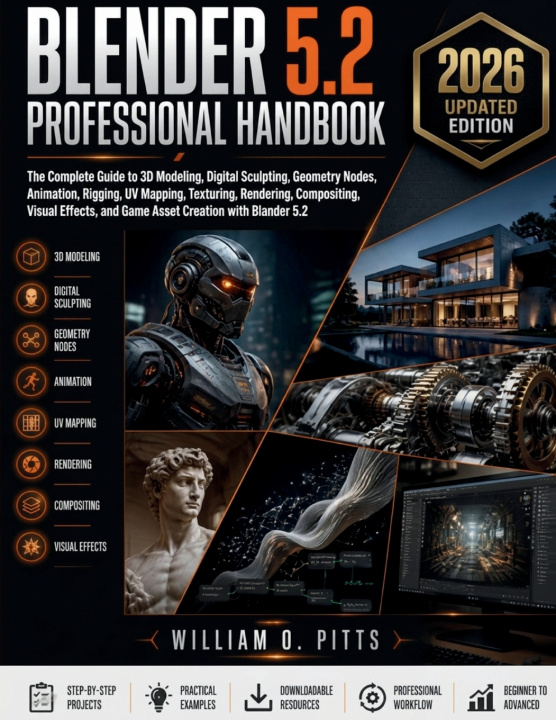
Have you downloaded Blender, explored the interface, and wondered where to begin? Perhaps you've watched countless tutorials, only to find that each one covers a small piece of the process while leaving you with more questions than answers. Or maybe you already have experience creating 3D content and want a structured resource that helps you develop faster, cleaner, and more professional workflows.
If that sounds familiar, this book was written with you in mind.
Blender 5.2 Professional Handbook provides a complete learning path that takes you from understanding the software environment to producing polished, production-ready projects suitable for games, animation, visualization, digital art, and 3D printing. Every chapter builds logically on the previous one, helping you develop practical skills instead of memorizing isolated tools.
Rather than overwhelming you with disconnected features, this handbook explains why each workflow matters, when to use it, and how experienced artists organize their projects for efficiency and consistency.
Inside this comprehensive guide, you will learn how to:
Install, configure, and optimize Blender for maximum performance
Navigate the interface with confidence using professional workspace layouts
Master object management and precision modeling workflows
Build clean polygon models using efficient topology techniques
Apply advanced modeling methods for complex mechanical and organic designs
Create procedural assets using Geometry Nodes
Sculpt detailed characters, environments, and hard-surface models
Perform clean retopology for animation-ready meshes
Unwrap models with efficient UV mapping techniques
Build realistic materials using node-based workflows
Create high-quality textures for games, animation, and visualization
Design professional lighting setups for different artistic styles
Configure cameras that produce cinematic compositions
Produce realistic renders while optimizing render performance
Composite render passes for greater visual control
Build complete character rigs for animation
Animate characters, cameras, and objects using professional techniques
Create simulations including cloth, particles, rigid bodies, smoke, and fluids
Organize projects using efficient asset management strategies
Develop optimized production pipelines for individual and collaborative work
Export assets correctly for games, film production, augmented reality, and 3D printing
Automate repetitive tasks with Python scripting
Improve productivity using workflow automation and custom tools
Create practical portfolio projects that demonstrate professional-level skills
Develop habits and workflows used in real production environments
This handbook places equal emphasis on technical accuracy, creative workflow, and production efficiency. Along the way, you'll discover methods for organizing projects, reducing repetitive work, avoiding common mistakes, improving render quality, and building assets that are easier to maintain and reuse.
Whether your goal is creating realistic environments, animated characters, architectural visualizations, product presentations, digital sculptures, motion graphics, or interactive assets, the techniques presented throughout this guide are designed to help you work more confidently and efficiently.
You'll also gain valuable insight into project planning, optimization, automation, portfolio development, and professional workflow organization-skills that become increasingly important as projects grow in complexity.