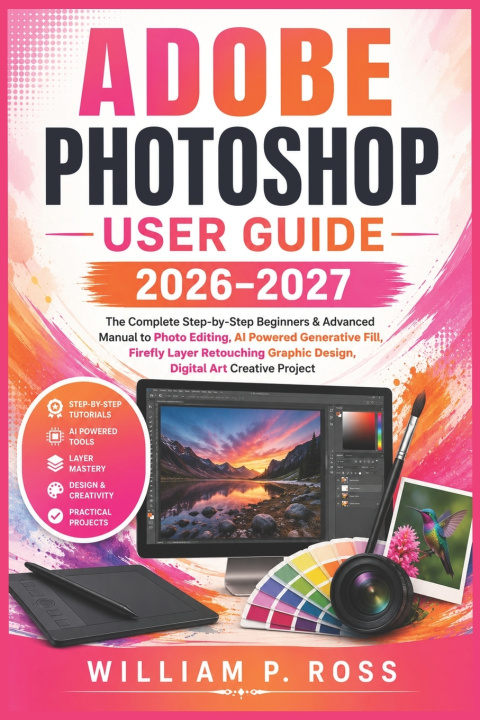
Transform Your Creative Ideas into Professional-Quality Designs with Confidence
Whether you're opening Photoshop for the very first time or looking to sharpen your editing skills, this practical guide is designed to help you build confidence one step at a time. Instead of overwhelming you with technical jargon, it explains the tools and workflows in a clear, easy-to-follow way, allowing you to learn by doing and steadily improve with every chapter.
From understanding the workspace to mastering layers, making precise image adjustments, organizing projects, and exploring modern AI-assisted editing tools, you'll develop the practical knowledge needed to create polished, professional-looking results for personal and creative projects.
Inside this guide, you'll learn how to:
• Set up Photoshop and understand the workspace with confidence
• Navigate tools, panels, menus, and customizable workspaces efficiently
• Create, open, import, and organize images for different creative projects
• Work confidently with layers, layer groups, and non-destructive editing techniques
• Apply adjustment layers and fill layers to improve color, tone, and overall image quality
• Build organized workflows that make editing faster and more efficient
• Use modern AI-powered features, including Generative Fill, Generative Expand, Firefly image generation, and reference-image workflows where supported
• Create custom presets, manage styles, and streamline repetitive editing tasks
• Enhance photographs while maintaining flexibility throughout the editing process
• Develop practical editing habits that can be applied to real-world creative work
This book focuses on practical learning rather than theory. Each topic builds naturally on the previous one, helping you gain real experience as you progress. The instructions are written in a straightforward, beginner-friendly style while also introducing techniques that more experienced users can incorporate into their workflow.
Whether your goal is editing photographs, designing graphics, creating digital artwork, improving marketing visuals, or simply learning how to use Photoshop more effectively, this guide provides a structured path to help you become more productive and creative.
This guide is intended for users of Adobe Photoshop and is an independent educational publication. It is not affiliated with, endorsed by, or sponsored by Adobe.
If you're ready to build your Photoshop skills through practical, step-by-step instruction, scroll up and grab your copy today.